

Description
Download Pure Gold Keyboard APK – gold keyboard theme, on-screen keyboard, Android theme, keyboard customization, yellow color theme
Overview
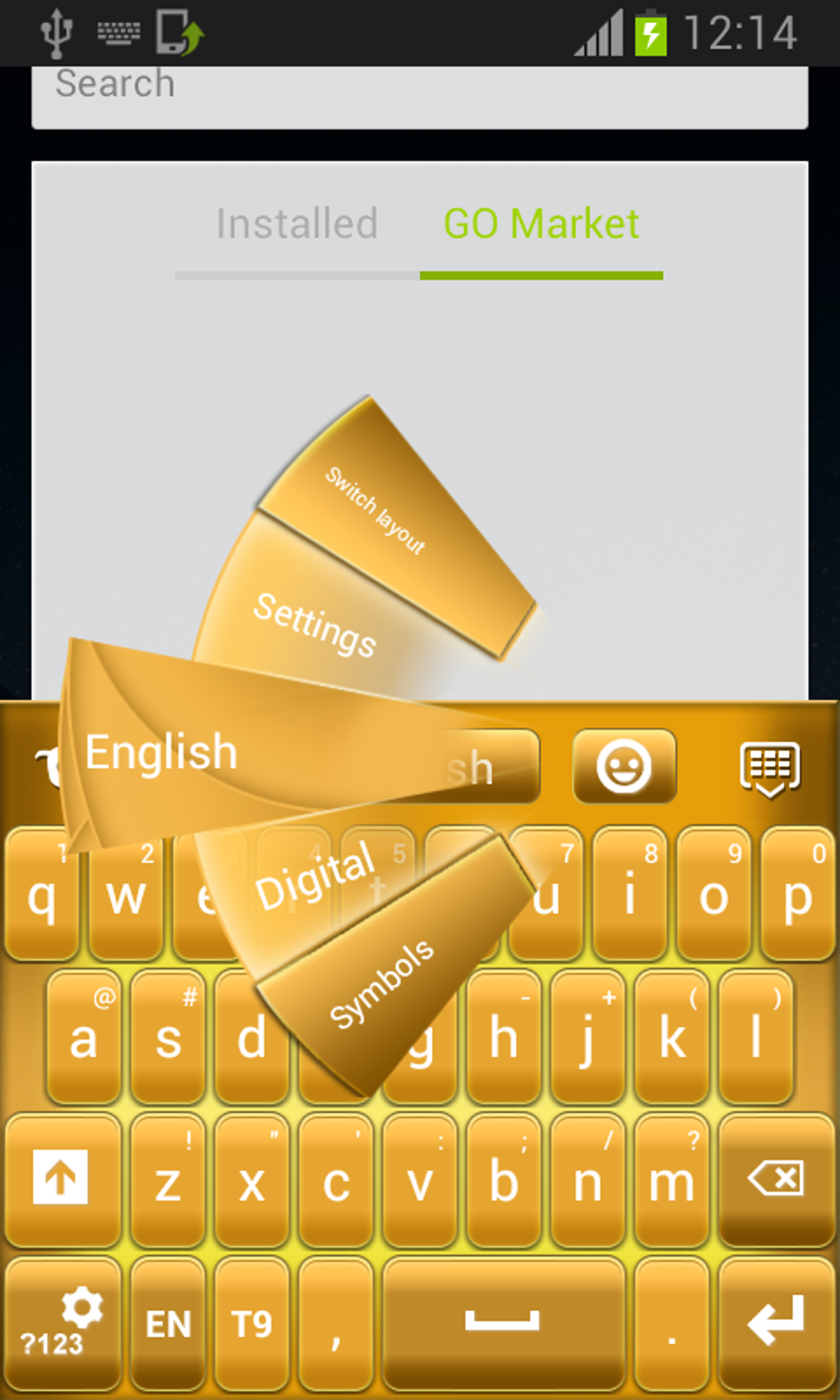
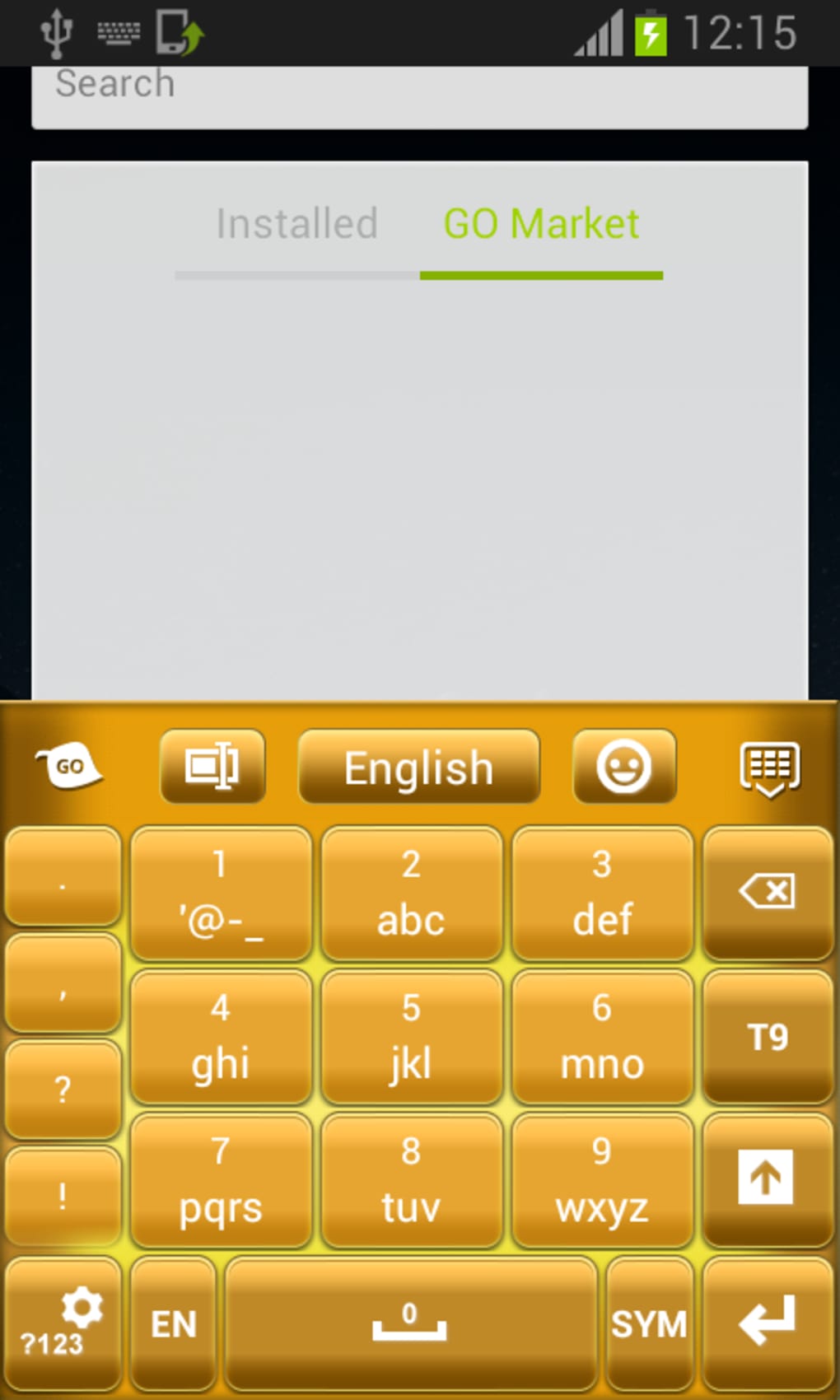
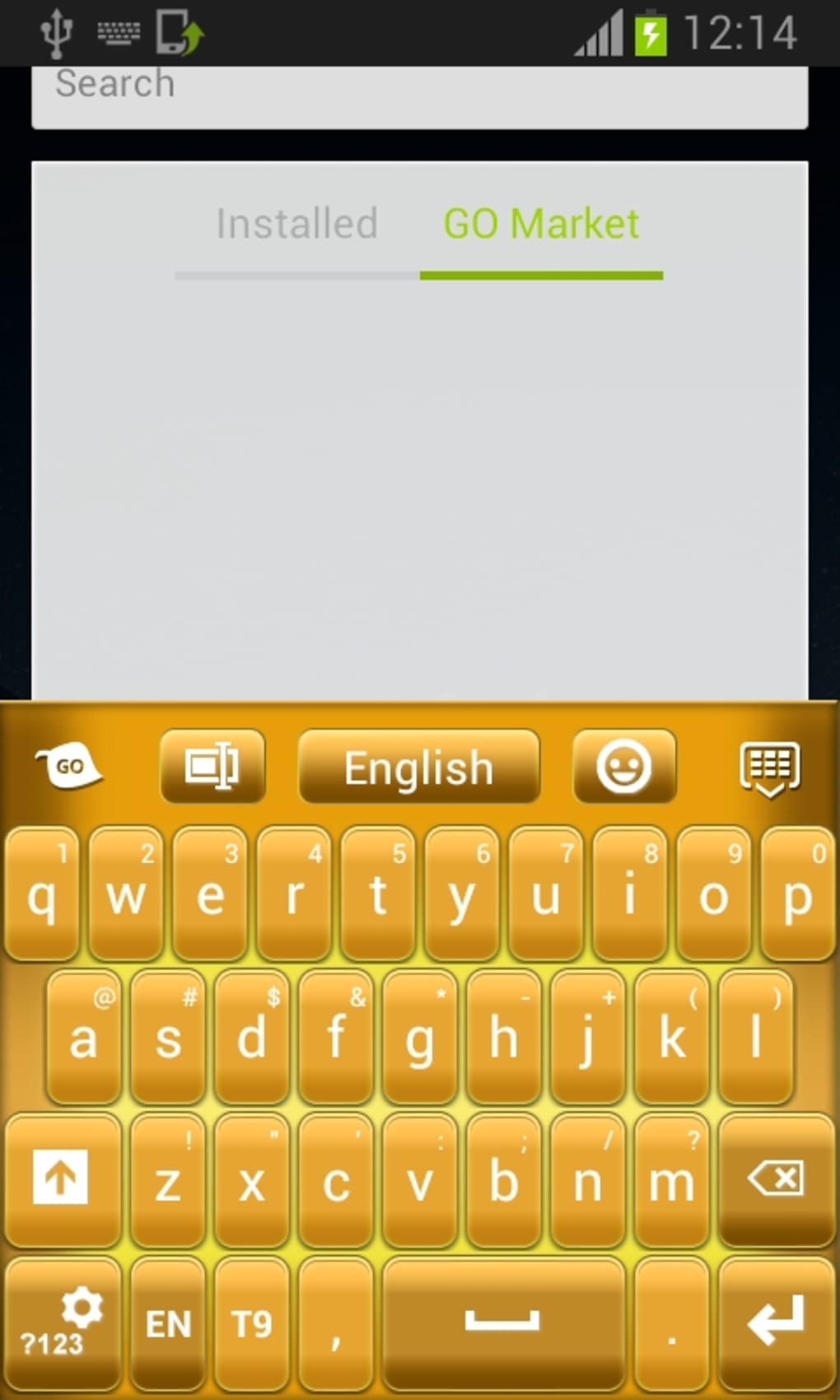
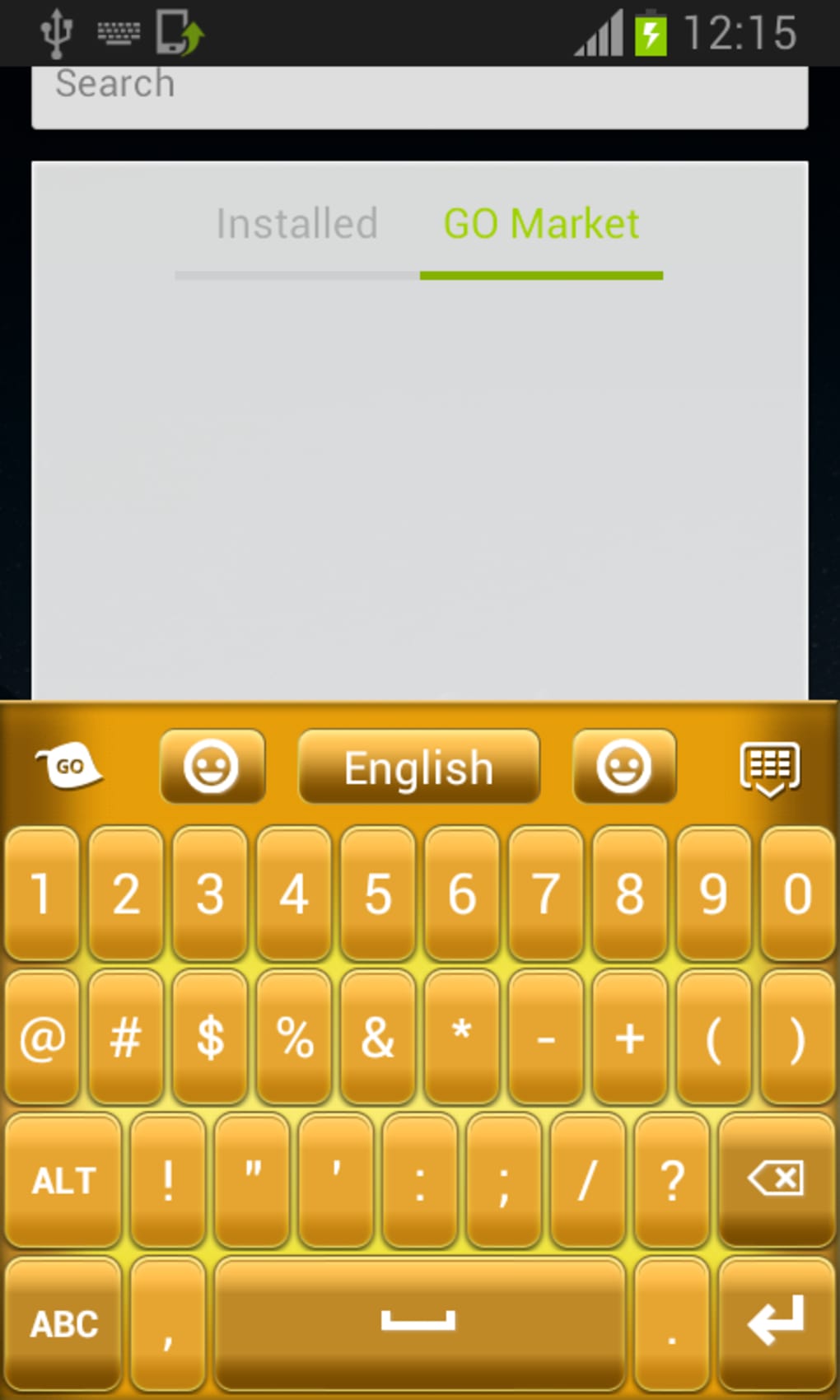
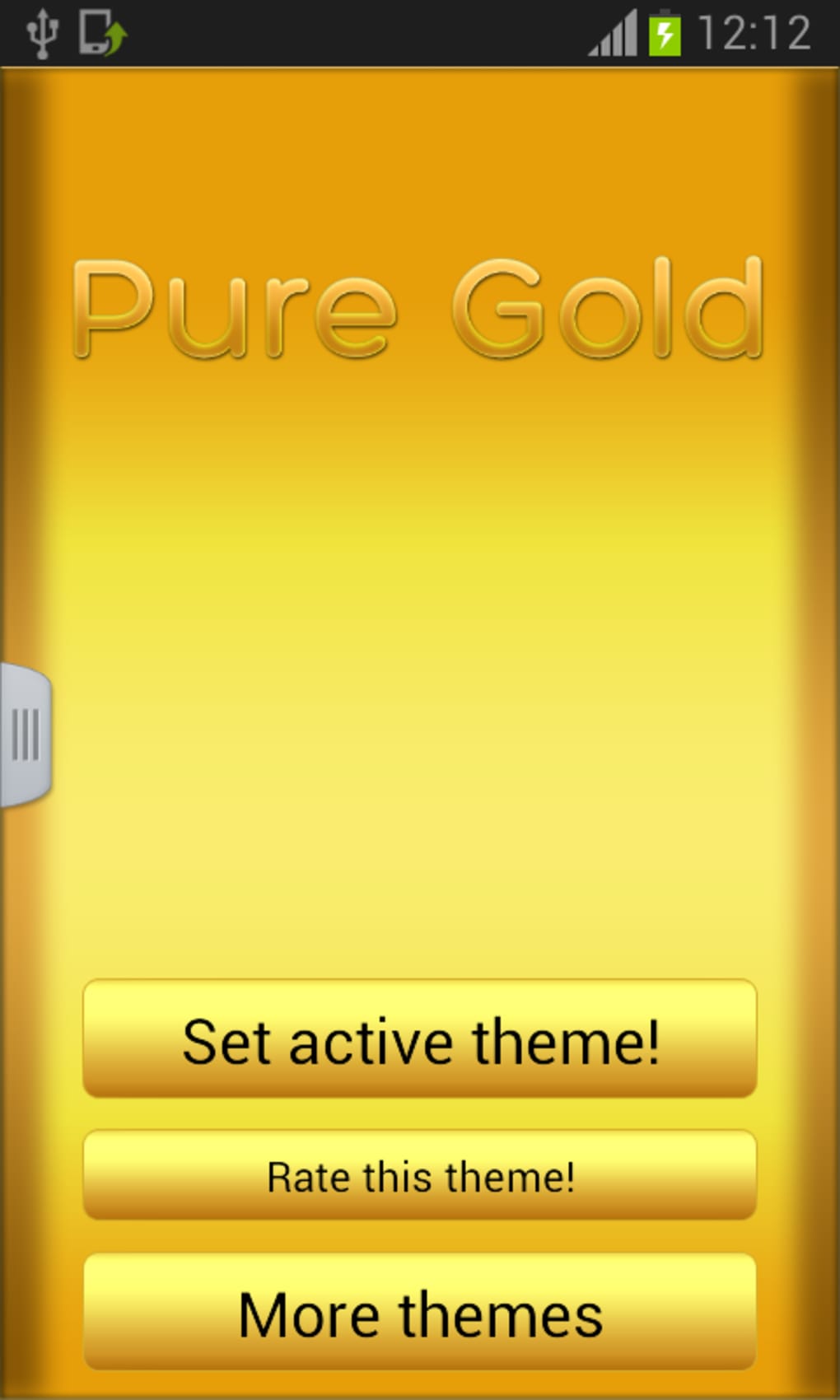
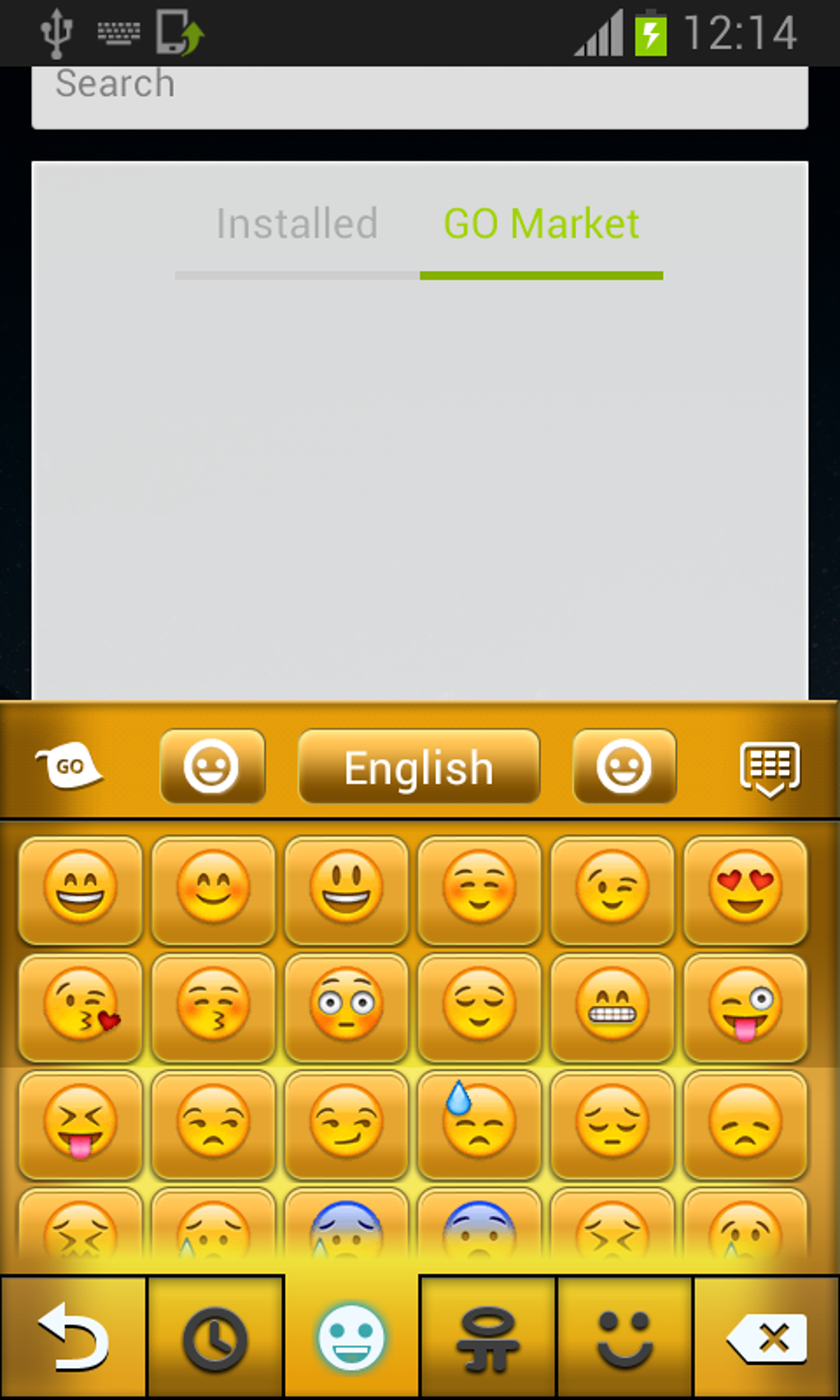
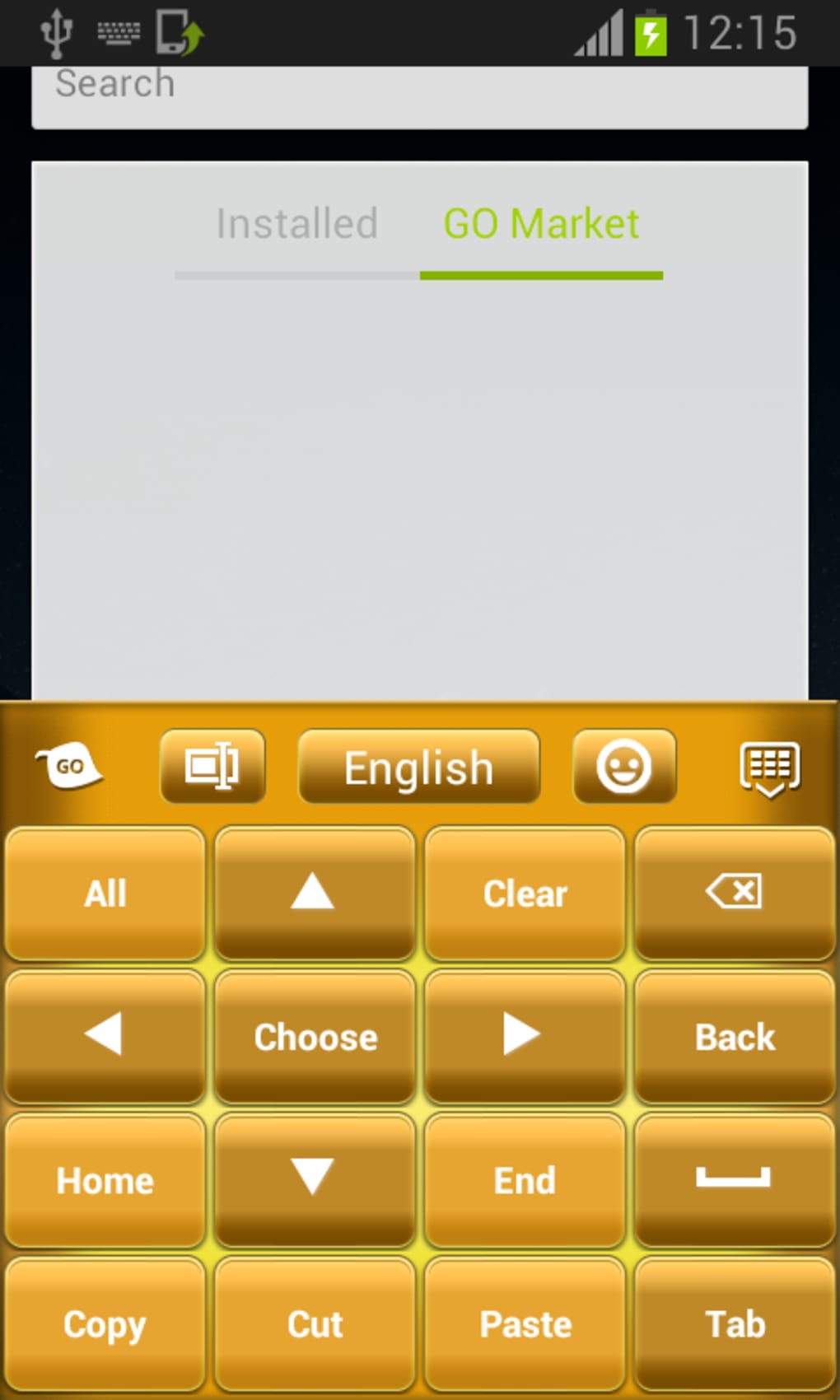
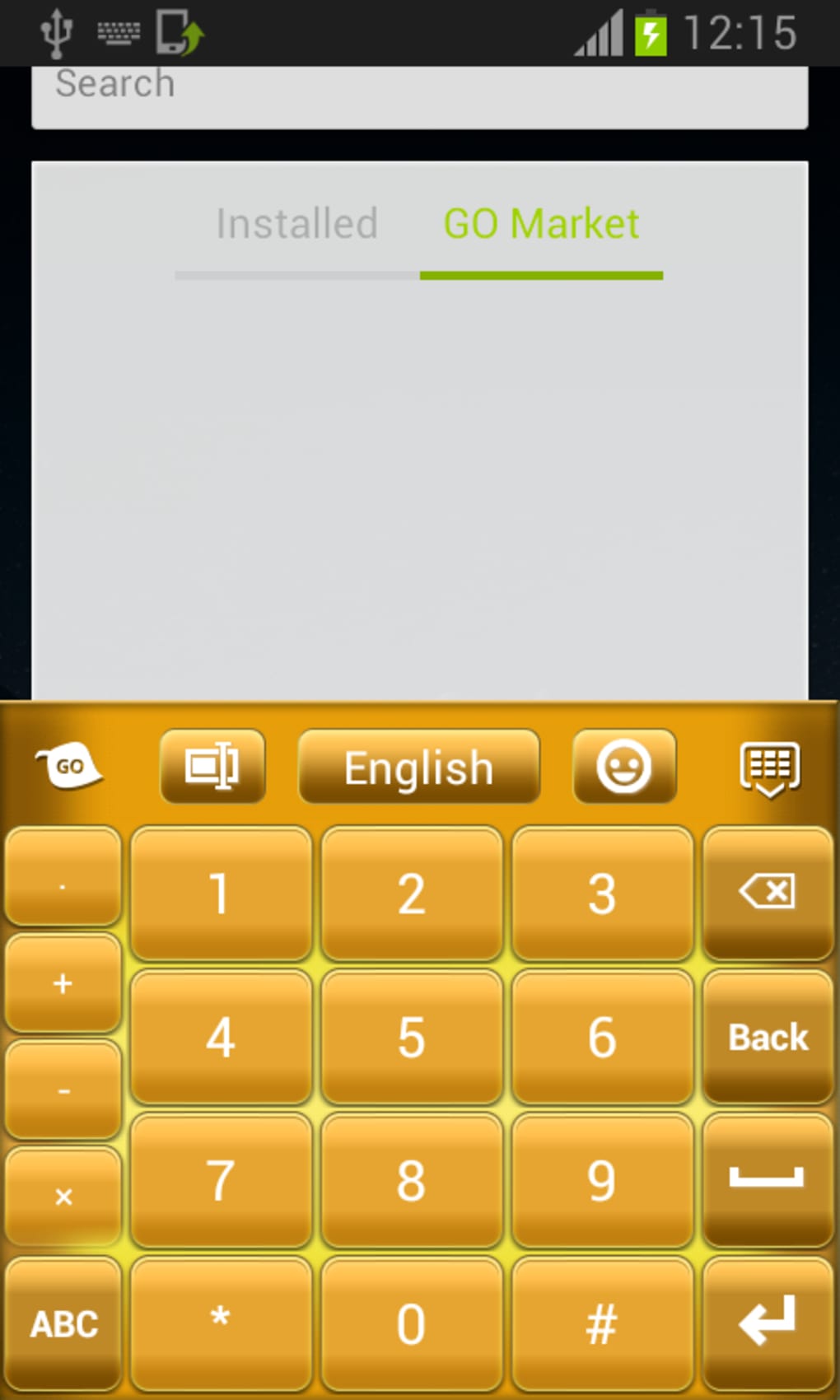
Pure Gold Keyboard is not a standalone keyboard application but a visual theme designed for on-screen keyboards on Android devices. Its primary purpose is to customize the appearance of existing keyboards by applying a gold and yellow color scheme across the keyboard interface. The theme aims to enhance the aesthetic appeal of typing by introducing a luxurious, metallic look through various shades of gold and yellow. It is intended for users who prioritize visual customization and personalization in their mobile experience.
While the theme addresses the desire for unique and stylish keyboard interfaces, it may not fully resolve usability concerns. The developer did not specify the target audience beyond general Android users interested in customization. Real-world usage scenarios include personalizing a device’s keyboard for aesthetic purposes, such as in social media content creation, digital art, or personal branding. However, the theme’s design choices may interfere with readability, particularly in low-light environments or on screens with lower contrast.
As a theme rather than a full keyboard, Pure Gold Keyboard relies on compatibility with third-party keyboard apps. Users must already have a compatible keyboard installed to apply the theme. The developer did not provide additional details about the theme’s development background or intended use cases beyond visual enhancement.
Key Features & Capabilities
- Gold and Yellow Color Scheme – Applies a range of gold and yellow tones to the keyboard interface, creating a visually striking, premium appearance.
- On-Screen Keyboard Customization – Designed to modify the visual layout and color of supported keyboard interfaces without altering functionality.
- Compatibility with Third-Party Keyboards – Requires a compatible keyboard app to function; does not work with default Android keyboards.
- Lightweight Installation – The theme is packaged in a 2.4 MB file, making it a minimal download with low storage impact.
- Free to Use – No cost is associated with downloading or applying the theme, making it accessible for casual users.
Users can apply the theme to enhance the look of their typing interface, particularly in creative or presentation-focused contexts. For example, content creators may use it to match a golden aesthetic in video thumbnails or social media posts. The theme does not alter key functions, typing speed, or input accuracy. Instead, it focuses solely on visual presentation, which may appeal to users who value appearance over performance.
User Interface, Workflow & Performance
The user interface of Pure Gold Keyboard is minimal, as it operates as a theme rather than a standalone application. Users interact with it through the keyboard settings of a compatible third-party keyboard app. The workflow involves downloading the APK, installing it, and selecting the theme from the available options within the keyboard’s customization menu.
Navigation is straightforward, relying on the host keyboard’s interface. The theme does not introduce new menus or controls. Performance is not directly impacted by the theme itself, as it does not run independently. However, the visual design may affect perceived performance due to high brightness and contrast levels, potentially causing eye strain during extended use.
The developer did not specify resource usage details. General software behavior suggests that such themes consume minimal CPU and RAM. Stability is likely dependent on the host keyboard app, as the theme does not include its own runtime processes. No performance benchmarks or user reports were provided.
Compatibility & System Requirements
Pure Gold Keyboard is designed for Android devices. The operating system compatibility is confirmed, though specific Android version requirements were not listed. The installation size is 2.4 MB, which is considered lightweight for an Android theme.
Exact system requirements were not listed. Compatibility information is limited to the platform, with no mention of hardware specifications such as RAM, processor, or screen resolution. The theme is not compatible with all keyboards, particularly default Android keyboards, and requires a third-party keyboard to function.
Users should ensure their device runs a recent version of Android and that their keyboard app supports external themes. The developer did not provide details on supported keyboard apps or known limitations beyond compatibility.
Pros and Cons
Pros
- Visually appealing gold and yellow color scheme for keyboard customization
- Lightweight at only 2.4 MB in size
- Free to download and use
- Easy to install via APK file
- Enhances aesthetic appeal for creative or branding purposes
Cons
- Text and icons may be difficult to see due to high brightness and yellow tones
- Not compatible with all keyboards; requires third-party keyboard support
- Does not function as a standalone keyboard
- May cause eye strain during prolonged use
- Visual design compromises readability and usability
FAQ Section
Is Pure Gold Keyboard compatible with all Android keyboards?
Pure Gold Keyboard is not compatible with all keyboards. It requires a third-party keyboard app that supports external themes. Default Android keyboards do not support this theme.
Can I use this theme without installing a third-party keyboard?
No. The theme is designed to work with third-party keyboard applications. It cannot be applied to the default Android keyboard.
Is Pure Gold Keyboard safe to download and install?
The theme is distributed as a free APK. As with any third-party APK, users should ensure the source is trustworthy. The developer did not provide information on security scanning or verification.
Does the theme affect typing speed or accuracy?
No. The theme only changes the visual appearance of the keyboard. It does not alter typing mechanics, key responsiveness, or input accuracy.
How often are updates released for Pure Gold Keyboard?
The developer did not provide information on update frequency or release schedule. The current version is 1.0, and no future updates were mentioned.
Final Thoughts
Pure Gold Keyboard offers a bold visual transformation for Android users who value aesthetic customization. Its gold and yellow theme provides a luxurious look that stands out in digital environments. However, the design comes with usability trade-offs, including poor visibility of text and icons due to high brightness and color saturation.
While the theme is lightweight, free, and easy to install, its functionality is limited to visual changes and requires a compatible third-party keyboard. It is best suited for users focused on personalization, creative content, or branding, rather than practical typing efficiency.
For those prioritizing readability and usability, this theme may not be ideal. Yet, for users seeking a unique, eye-catching keyboard appearance, Pure Gold Keyboard delivers a distinct visual experience. The lack of functional enhancements and compatibility constraints should be carefully considered.
Download Pure Gold Keyboard now
Guides & Tutorials for Pure Gold Keyboard APK
How to install Pure Gold Keyboard APK
- Click the Preview / Download button above.
- Once redirected, accept the terms and click Install.
- Wait for the Pure Gold Keyboard APK download to finish on your device.
How to use Pure Gold Keyboard APK
This software is primarily used for its core features described above. Open the app after installation to explore its capabilities.
User Reviews for Pure Gold Keyboard APK 0
No reviews found





